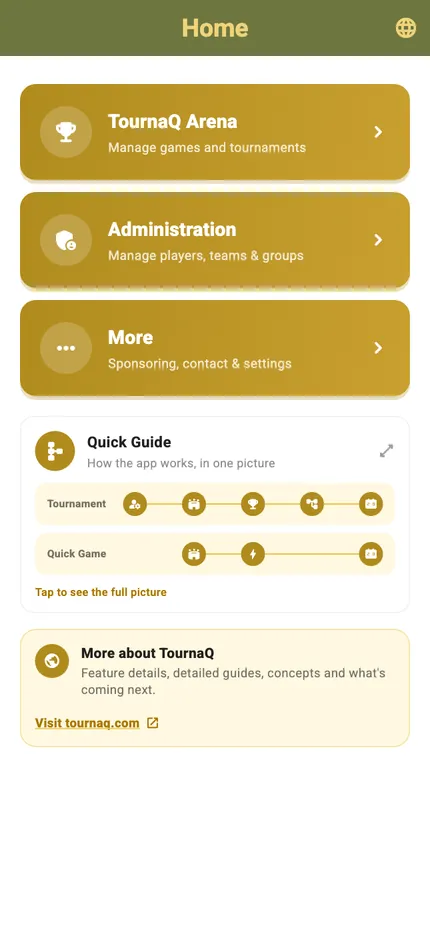
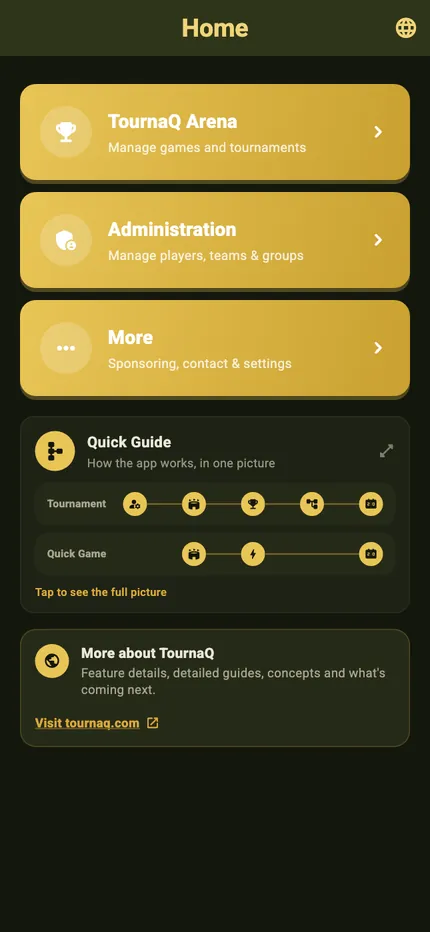
Where things are, and the few switches that change how the app looks and speaks. Three cards on the home screen lead into everything the app can do; More holds the screens beside that flow, and Settings holds the language, the appearance and the privacy options. Every screen on this page is shown in both palettes — the dark twin next to the light one, under the same caption.
Three cards on the home screen, and everything in the app sits under one of them.
TournaQ ArenaEvery format the app can run, and everything you have already run, underneath.
AdministrationPlayers, teams and groups, saved once and reused in every format.
MoreSponsoring, contact, settings and the beta — everything you open once, or once a season.
Quick GuideBelow the three cards sits the app in one picture — tap it for the full flow — and a link to tournaq.com for everything beyond the app.
Light
Dark
The whole screen
Below the three destinations sits the Quick Guide — the app in one picture, tap for the full flow — and the More about TournaQ card with the link to tournaq.com.
More
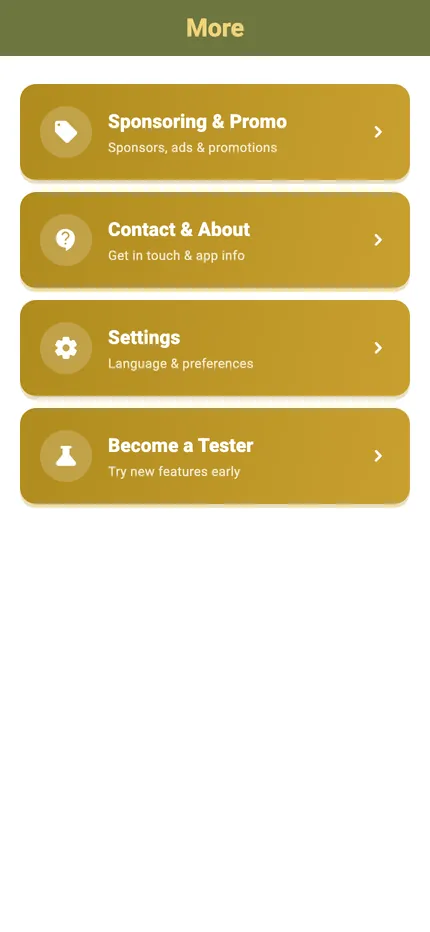
Four screens behind More
Everything you open once, or once a season — none of it needed with a match running.
Sponsoring & PromoAds, partnerships, and the ways to support the app.
Contact & AboutSocial, support, the legal documents and the version number.
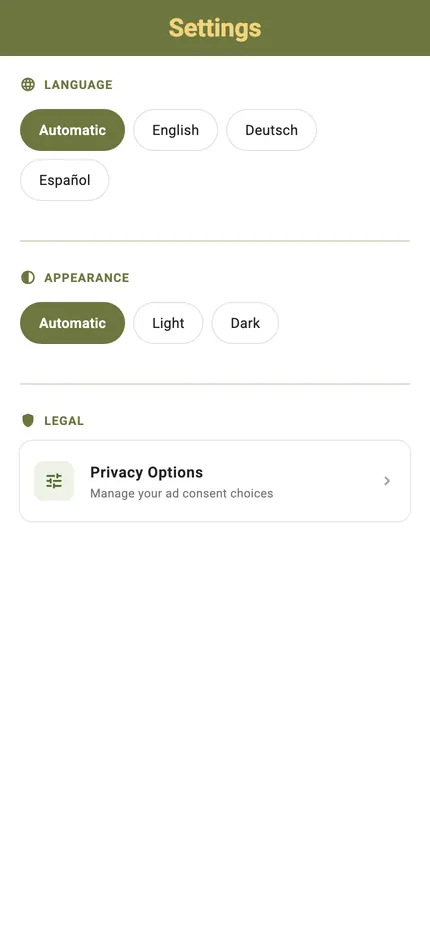
SettingsLanguage, appearance, and the ad consent options.
Become a TesterThe route into the beta, on iOS and on Android.
Light
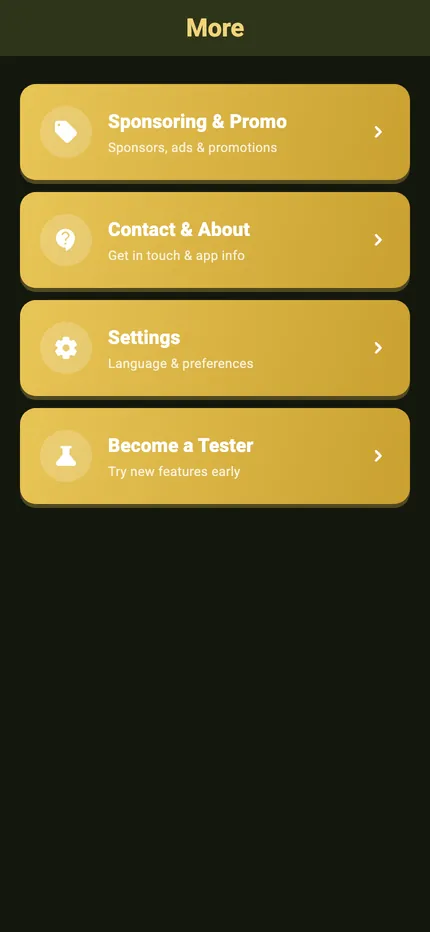
Dark
More
Sponsoring & Promo, Contact & About, Settings and Become a Tester — four cards, in that order. The screens you need occasionally, kept out of the way of the ones you need mid-match.
Sponsoring & Promo
What is on it
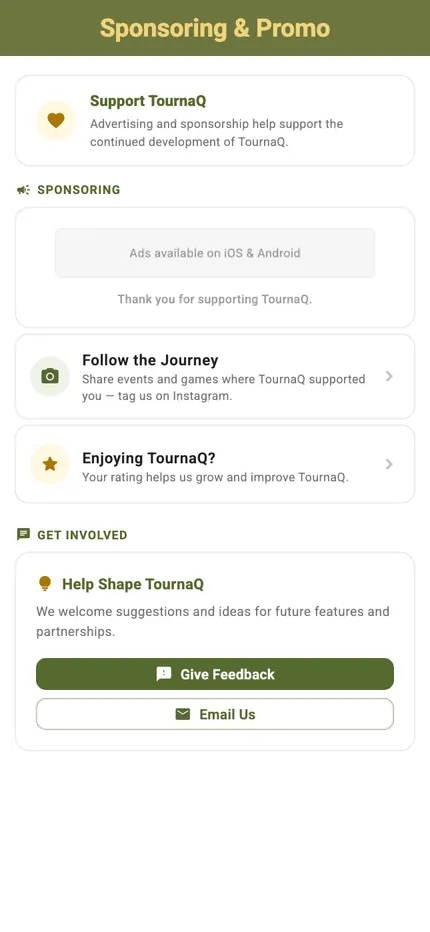
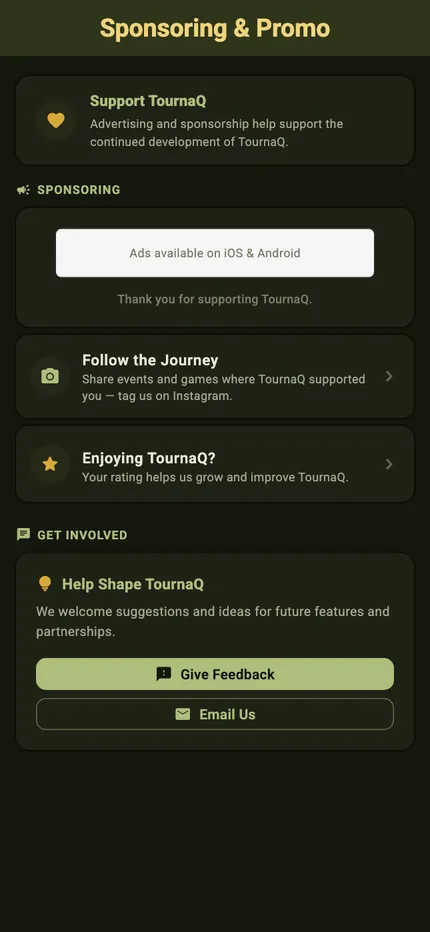
Advertising and sponsorship pay for the continued development — the screen says so, and then gives you every way to be part of it.
Support TournaQThe reason the ads are there, and the ad slot itself, with a thank-you under it.
Follow the JourneyEvents and games where TournaQ was on the court — tag the app on Instagram and it gets shared.
Enjoying TournaQ?A rating, from inside the app.
Help Shape TournaQGive Feedback or Email Us, for suggestions about future features and partnerships.
Light
Dark
Sponsoring & Promo
The ad slot at the top, the two ways to give something back under it, and the feedback card at the bottom.
Contact & About
What is on it
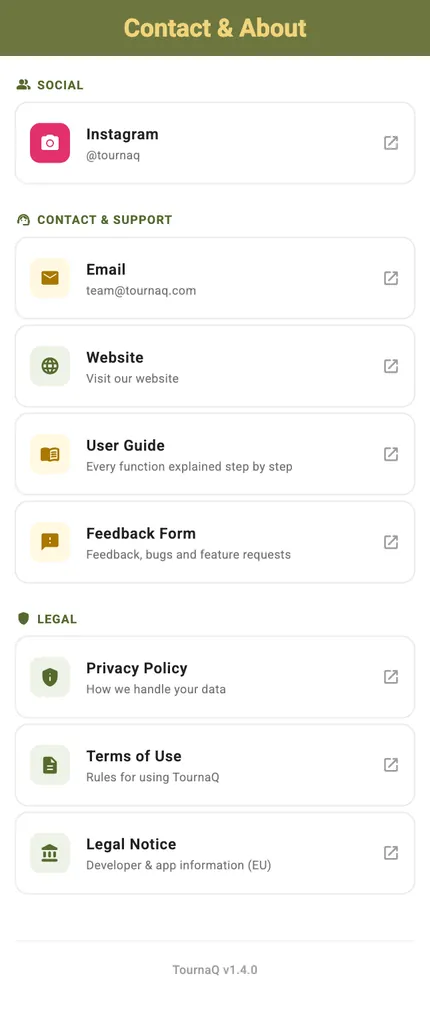
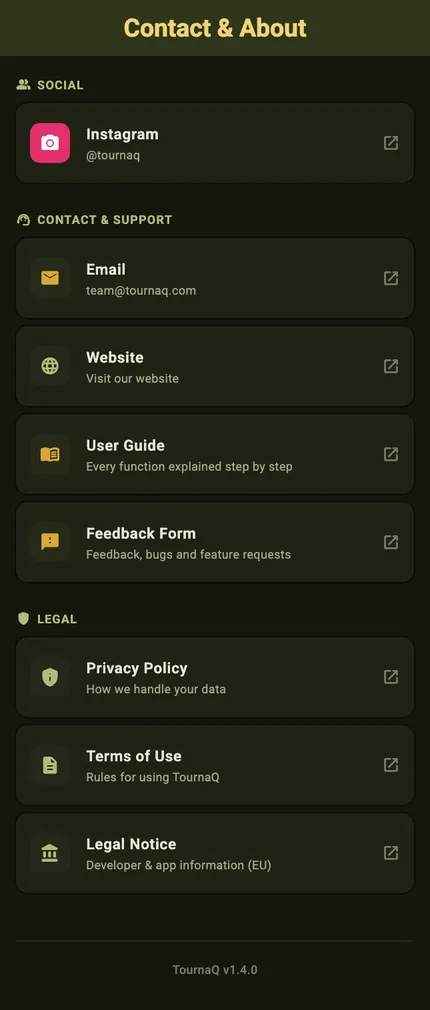
Every way to reach the team, and the documents you occasionally have to look up.
SocialInstagram, @tournaq.
Contact & supportEmail to team@tournaq.com, the website, the User Guide, and the feedback page for bugs and feature requests.
LegalPrivacy Policy, Terms of Use, and the Legal Notice with the developer and app information required in the EU.
The version numberAt the foot of the screen. The one thing worth quoting when you report something.
Light
Dark
Contact & About
Social at the top, then the four ways to reach the team and the documentation, and the legal documents under them. The app version sits at the very bottom.
Become a Tester
Two routes in, one per platform
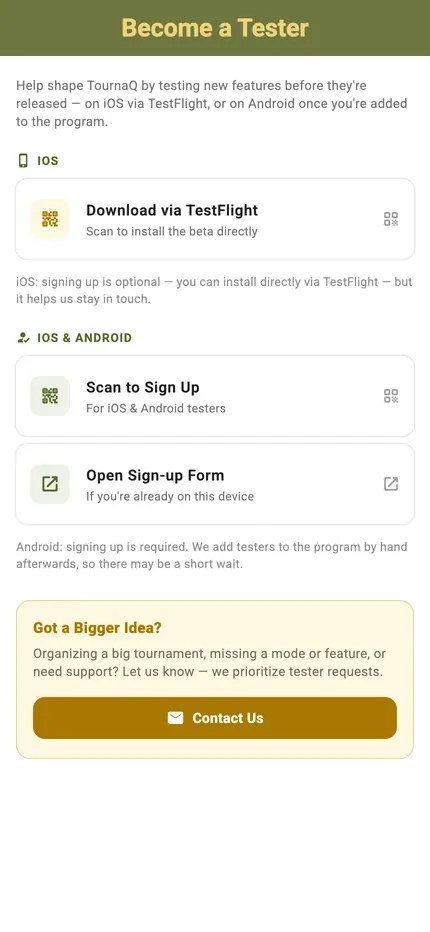
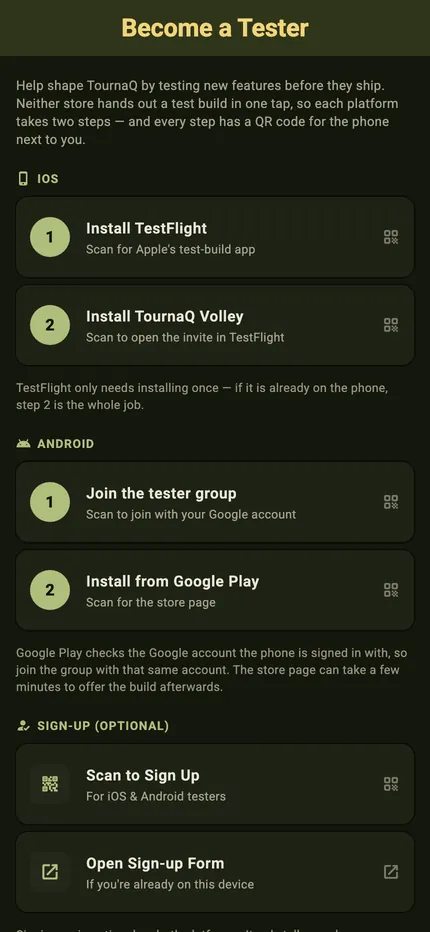
Testing new features before they are released — TestFlight on iOS, the tester program on Android.
iOS · Download via TestFlightA QR code that installs the beta directly. Signing up is optional here — it only helps us stay in touch.
iOS & Android · Scan to sign upThe same sign-up by QR code, or as a form if you are already on the device you are reading this on.
Android · Signing up is requiredTesters are added to the program by hand afterwards, so there can be a short wait.
Got a bigger idea?Organising a big tournament, missing a mode or a feature, needing support — tester requests are prioritised.
Light
Dark
Become a Tester
The TestFlight route at the top, the sign-up for both platforms under it, and the note that Android needs that sign-up before anything arrives.
Settings
Appearance sits in More › Settings, next to the language
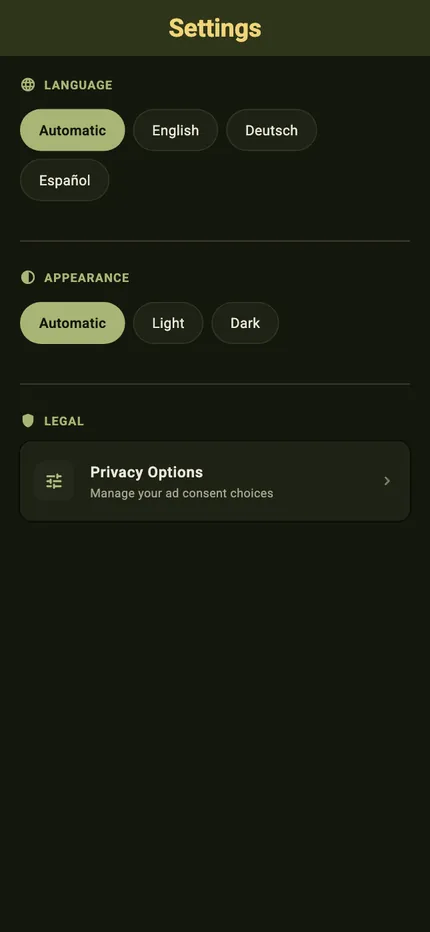
Automatic follows whatever the phone is set to; Light and Dark pin it yourself. It is the whole app rather than a handful of screens — the same guide, read on a phone in a dark hall, looks like this.
Light
Dark
Where the switch is
Language and Appearance, one row of chips each. The change lands as you tap it and is remembered for next time — there is nothing to save and nothing to restart.
When a card is not built yet
Light
Dark
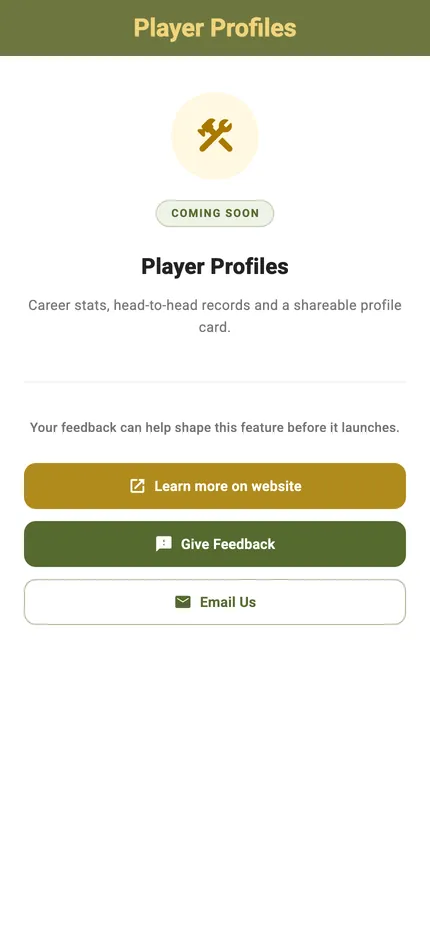
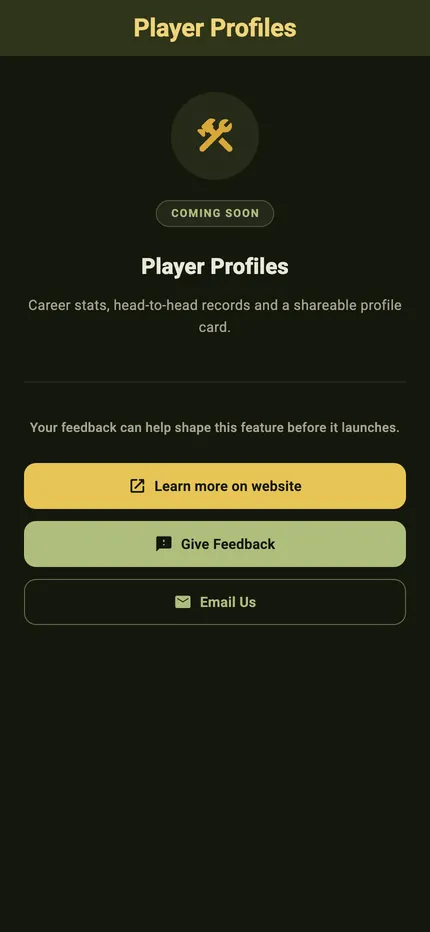
Coming soon
Tapping a format that has not shipped lands here rather than nowhere: what it will do, the page about it on the website, and the two ways to say what you need from it.
The app in dark
Light
Dark
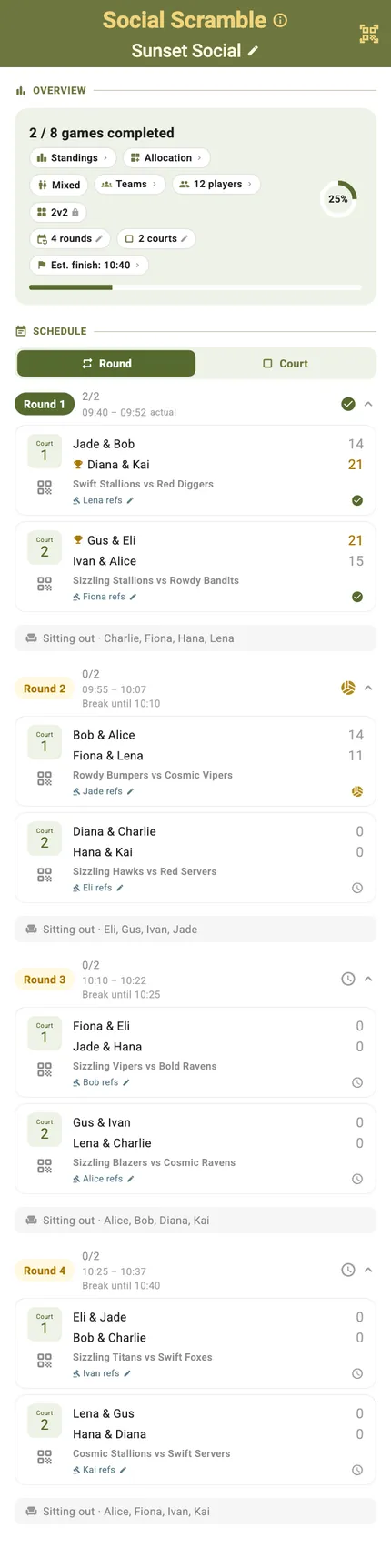
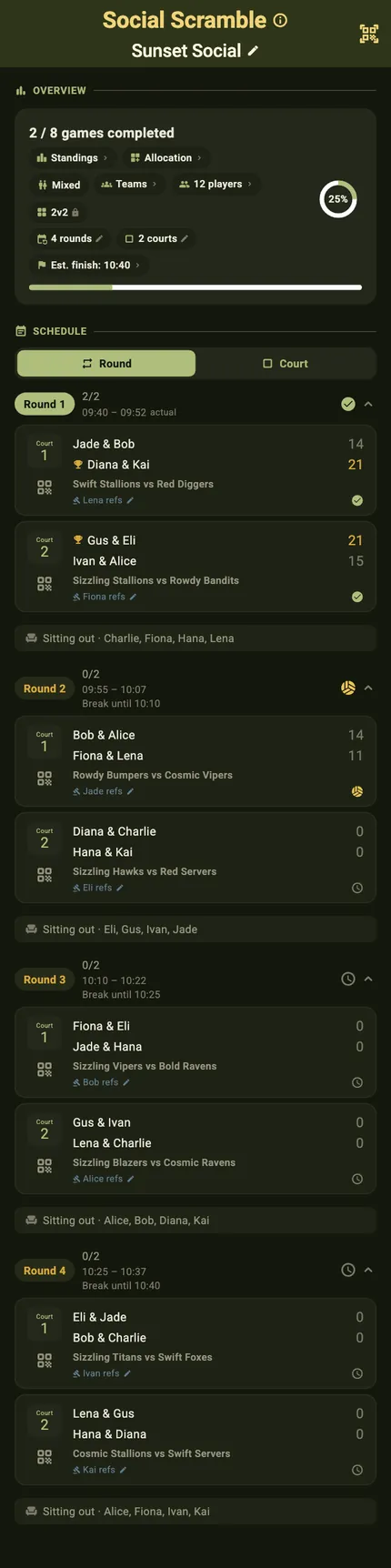
The screen that stays open all afternoon
A running tournament: the pill row, the schedule and every result so far. This is the one an organiser looks at most, which is the reason the dark palette had to reach further than the settings screen.
Light
Dark
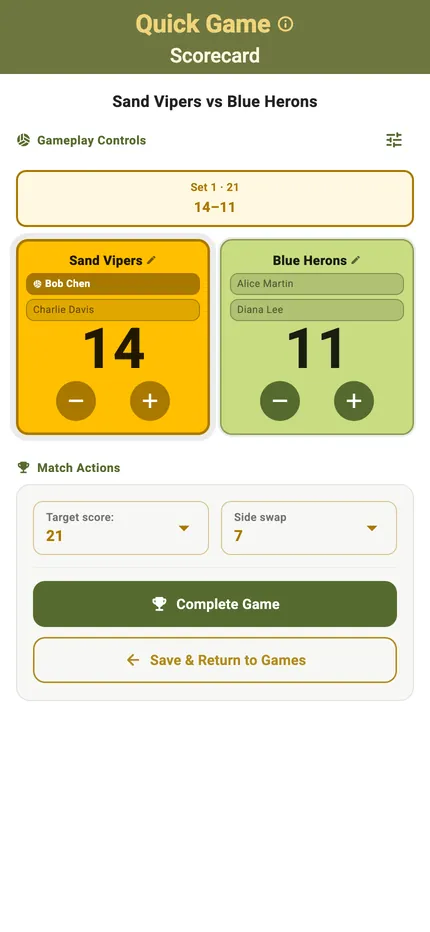
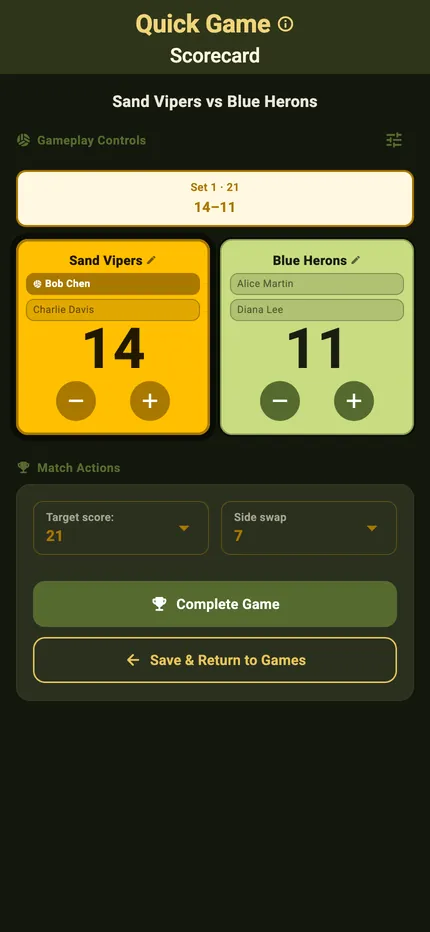
And the one a referee holds
Scores, serve, sides and the clock, in the same contrast as the rest. An evening session under floodlights is exactly when a white screen stops being readable.
 TournaQ User Guide