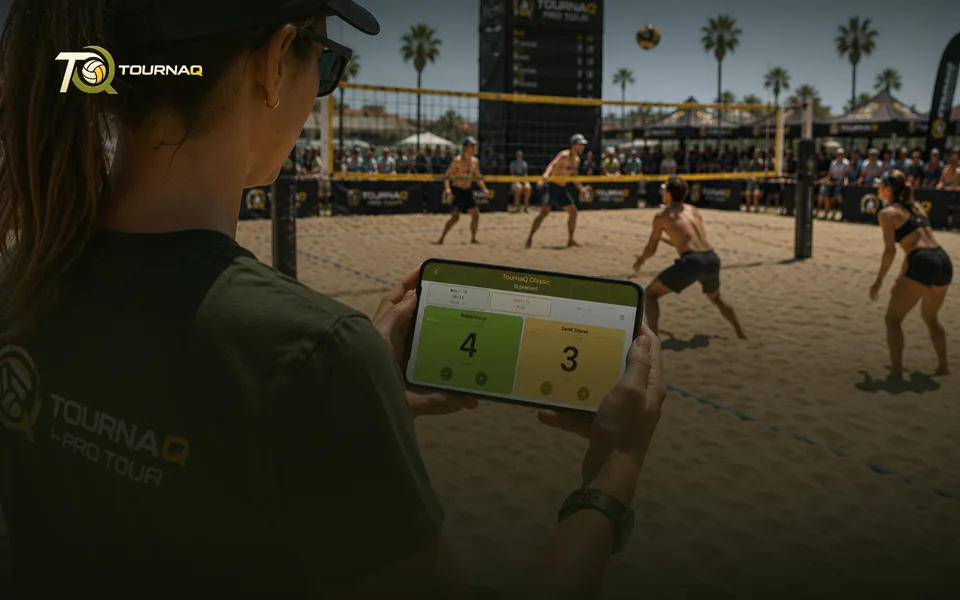
ScorecardsThe referee's best friend. Easily keep track of the
results, supported by time keeping, automatic
side changes and serving indication.
results, supported by time keeping, automatic
side changes and serving indication.
Step 5
Scorecards
Where every path lands. Three of them, because a bracket final, a timed scramble round and a king-of-the-court stint do not need the same controls.
Classic scorecardSets, target points, side switches. For bracket modes and Quick Game.Scramble scorecardTimed rounds instead of sets. For Social Scrambles.Queue scorecardThe court plus who is waiting. For Royal Shuffles, Royal Rotations, Doghouse Shuffles and Royal Duos.
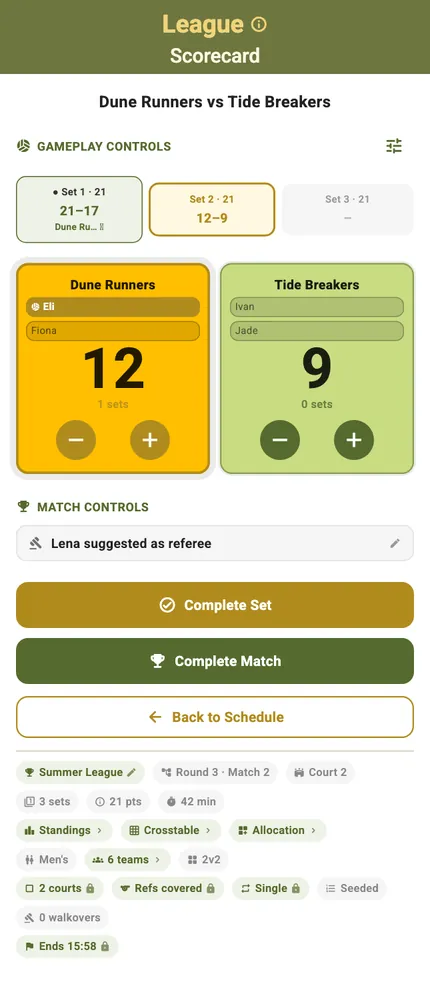
What a scorecard looks like
This is the classic one, the card most events land on: the sets across the top, the two teams under them, the match controls below, and the whole event stated in the pill row at the foot. The other two cards are this card with the parts a timed round or a waiting queue needs instead.
And one way to hand them over
Any scorecard can leave your device and come back with a result on it.
Exported scorecard — Let somebody else run the game on their own phone
Scoring it, mode by mode
LeaguesThe card this mode scores on.EliminationsThe card this mode scores on.TournaQ ClassicsThe card this mode scores on.Swiss SystemsThe card this mode scores on.Social ScramblesThe card this mode scores on.Royal ShufflesThe card this mode scores on.Royal RotationsThe card this mode scores on.Royal DuosThe card this mode scores on.Doghouse ShufflesThe card this mode scores on.Quick GameThe card this mode scores on.
From the Device & Screen page · to review
Built for one hand, either way up
The controls that matter during a rally sit where a thumb reaches, on the device you already have with you.
Big targets — The serving side marked, undo within reach. Everything else on the card is secondary to the two buttons you press forty times a set
Every scorecard rotates — In landscape the numbers get bigger and the layout suits a phone propped on a post, read from two metres away rather than held. Nothing is hidden — the layout changes, the functions do not
One layout learned once — A quick game, a rotation format and a bracket tie all rotate to the same shape, so a referee handed a phone does not have to be told which format they are scoring
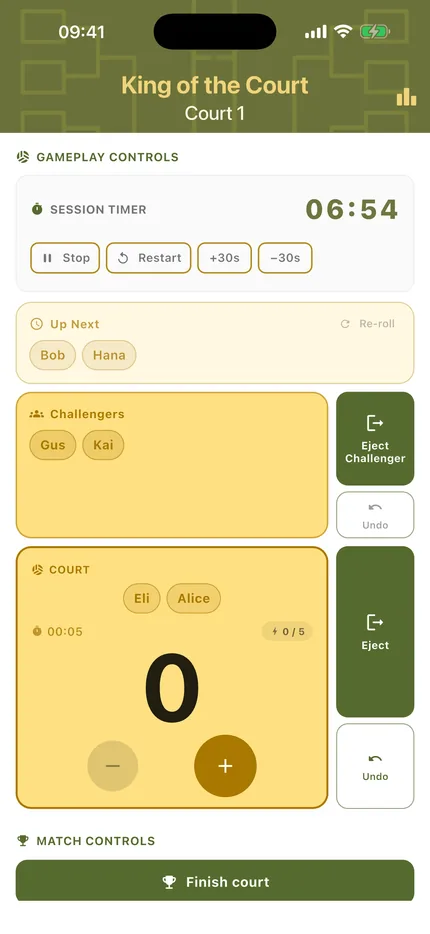
Scoring
Big targets, the serving side marked, undo within reach. Everything else on the card is secondary to the two buttons you press forty times a set.

TournaQ Volley
The tournament engine — get the app