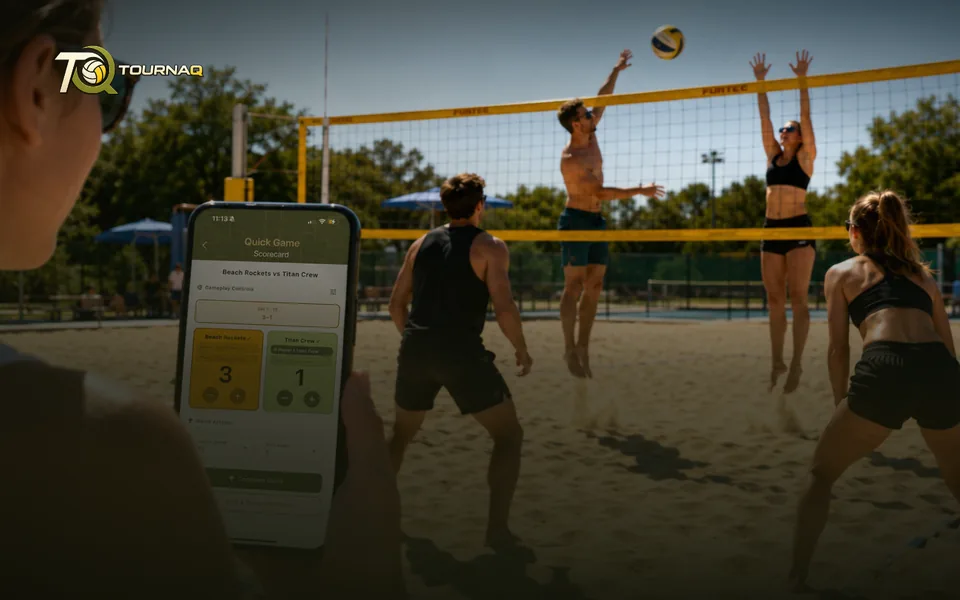
Quick GameEasily keep track
of any game.
of any game.
Standalone
Quick Game
Quick access to a scorecard: you are on one within seconds and counting straight away. For every situation where somebody lost count again, where the numbers scratched into the sand stopped making sense the moment the sides swapped, or where nobody agrees on who scored last and who serves now. Or simply because it is relaxed, and it is fun.
The whole flow
1
TournaQ ArenaThe same screen the tournaments start from.
2
Quick GameName the two sides, set the format, done.
3
ScorecardStart counting.
Nothing to clean up afterwards
A quick game is a game, not a tournament. It still lands in your history, so a casual match you decided to keep is not lost.
Running in seconds — Two names and a target score is all it needs
Any format — Same team sizes, sets and target points as the tournament scorecard
The three steps
Set it upTeams, courts, format — and what it costs in time.Score itThe card you score on, and what it shows.
From the Quick Game page · to review
Best for
A single match where a tournament would be overkill
Training games where you just want the score kept honestly
Trying the app out before running a real session
Finding it in the app
Quick Games sit at the top of the TournaQ Arena, above the tournament formats. The list keeps every match you have scored.
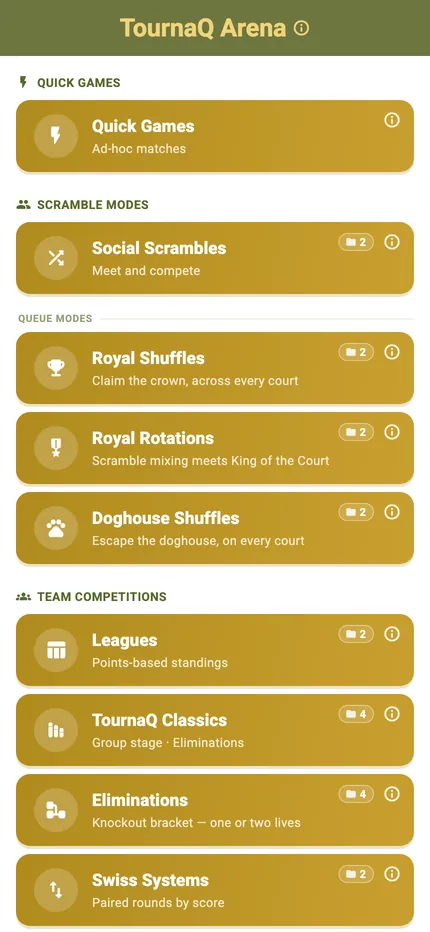
The Arena
Every format the app can run, grouped by the kind of session it suits. The number on a card is how many of those you have run.
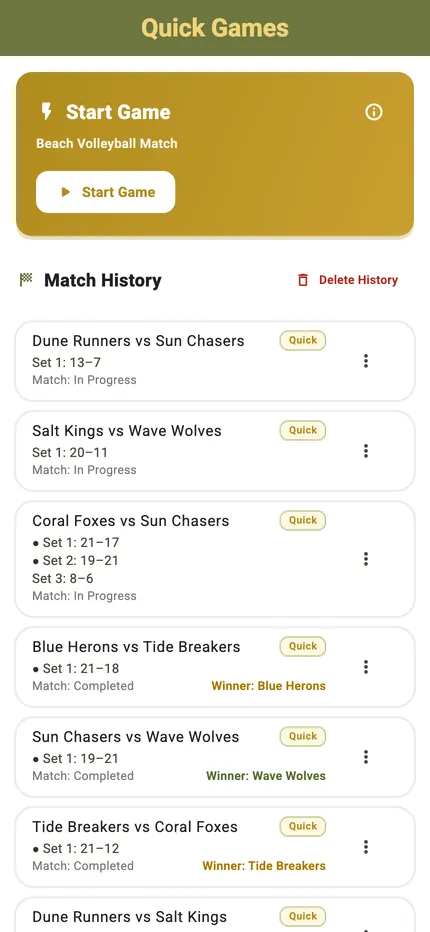
Your matches
Every game you have scored, most recent first, with the final score and the date. Tap one to see the full set-by-set result.

TournaQ Volley
The tournament engine — get the app